
You are using an out of date browser. It may not display this or other websites correctly.
You should upgrade or use an alternative browser.
You should upgrade or use an alternative browser.
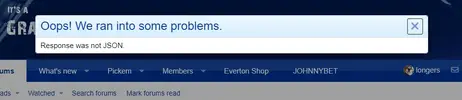
Response was not JSON
- Thread starter longers
- Start date
- Status
- Not open for further replies.



XF 2.0 - "Response Was Not JSON" errors randomly appearing on site....?
Has anyone else experienced this? I have suddenly noticed random "Response was not JSON" errors quickly popping up and disappearing on the site when selecting various navigation options. This is new, but I have also noticed that I am unable to use "quick thread" (although it seems to sometimes...
 xenforo.com
- This sort of error is usually indicative of something outside of XenForo manipulating the result content. Browser extensions are certainly one potential cause.
Try disabling browser extensions one by one mate.
I use Chrome on PC, never had this.
Weird. seems to happen as soon as i add Grandolteam as a trusted site on the ublock origin extension for Chrome. I disable that and it doesn't appear.
Very odd, if you work it out mate let us know?
ublock origin seems to cause a few conflicts like.

Im having the same thing on my end too. Just had to reinstall my HD as the SSD died(which Ive never heard of)
And I have 0 extensions on my end. I just deleted them as I was running in to this issue.
I've been stung by the same fella today. Weird though as I've had successful dealings with him previously.
Weird. seems to happen as soon as i add Grandolteam as a trusted site on the ublock origin extension for Chrome. I disable that and it doesn't appear.
Im having the same thing on my end too. Just had to reinstall my HD as the SSD died(which Ive never heard of)
Is this still happening?

Yes. Only of desktop PC.. Fine on mobile.Is this still happening?
Still happening to me. Tried various permissions but it doesn't help.
How are you browsing mate? device/browser? Not using the app are you? Also what permissions are you referring to?
PC, Windows 11 all up to date, Edge browser, Ad Blockers turned off in Malwarebytes Browser Guard extension. Even disabled the extension but no good.How are you browsing mate? device/browser? Not using the app are you? Also what permissions are you referring to?
PC, Windows 11 all up to date, Edge browser, Ad Blockers turned off in Malwarebytes Browser Guard extension. Even disabled the extension but no good.
Thanks.
Its so I can try an replicate it/get the error to help diagnose the issue/inspect element.
Will browse using Edge, just download that extension too and have it as disabled to replicate.
Definitely nothing else that could be interfering with your browser, no?
Checked Windows update and found there is a preview update today...Thanks.
Its so I can try an replicate it/get the error to help diagnose the issue/inspect element.
Will browse using Edge, just download that extension too and have it as disabled to replicate.
Definitely nothing else that could be interfering with your browser, no?
Cumulative Update Preview for Windows 11 Version 22H2 for x64-based Systems (KB5025305)
Downloaded and installed it, restarted and the problem seems to be fixed even with the Malwarebytes extension enabled.
I'll keep you updated should things change. Thanks for your concern.
Still happening here, I just did the same update @Dooguk did and it didn't resolve the issue. Like I said, I switched SSD's as my main drive so Im not sure if that has anything to do with it.Is this still happening?
I failed to mention I also cleared my browser history before the restart. Don't know if it made any difference, but it might be worth a try.Still happening here, I just did the same update @Dooguk did and it didn't resolve the issue. Like I said, I switched SSD's as my main drive so Im not sure if that has anything to do with it.
- Status
- Not open for further replies.
Shop
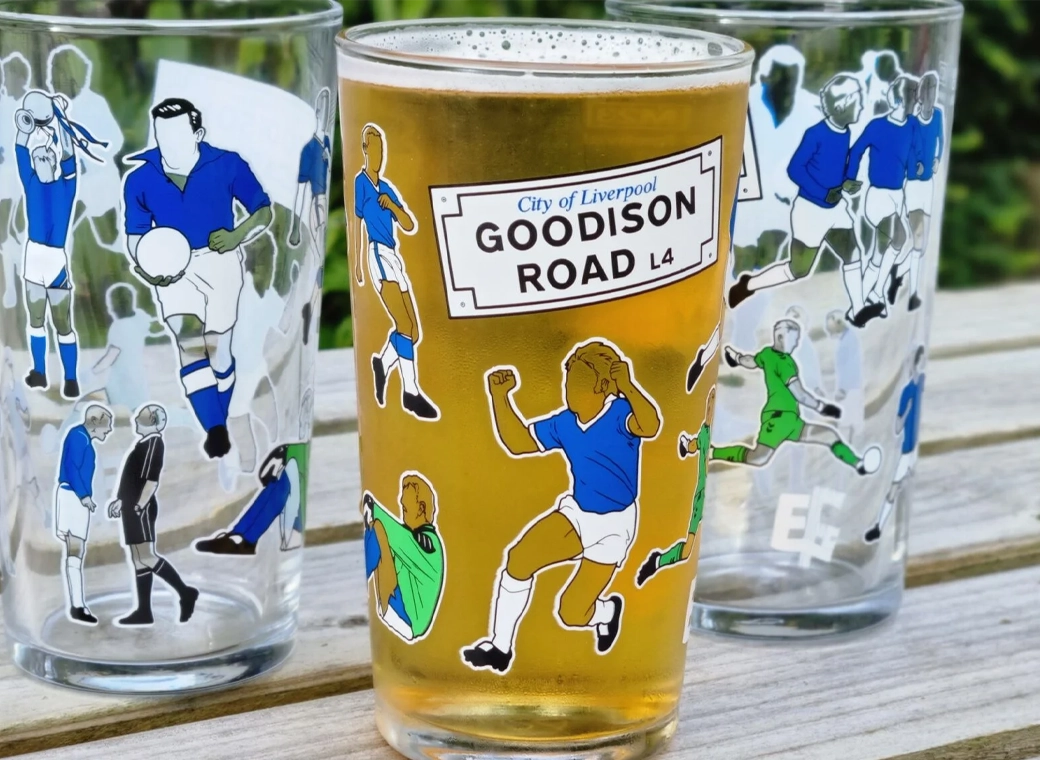
Everton Pint Glass
Our exclusive Everton pint glasses are a true collector’s item that pays homage to Goodison Park through iconic players who have graced the pitch over different generations.
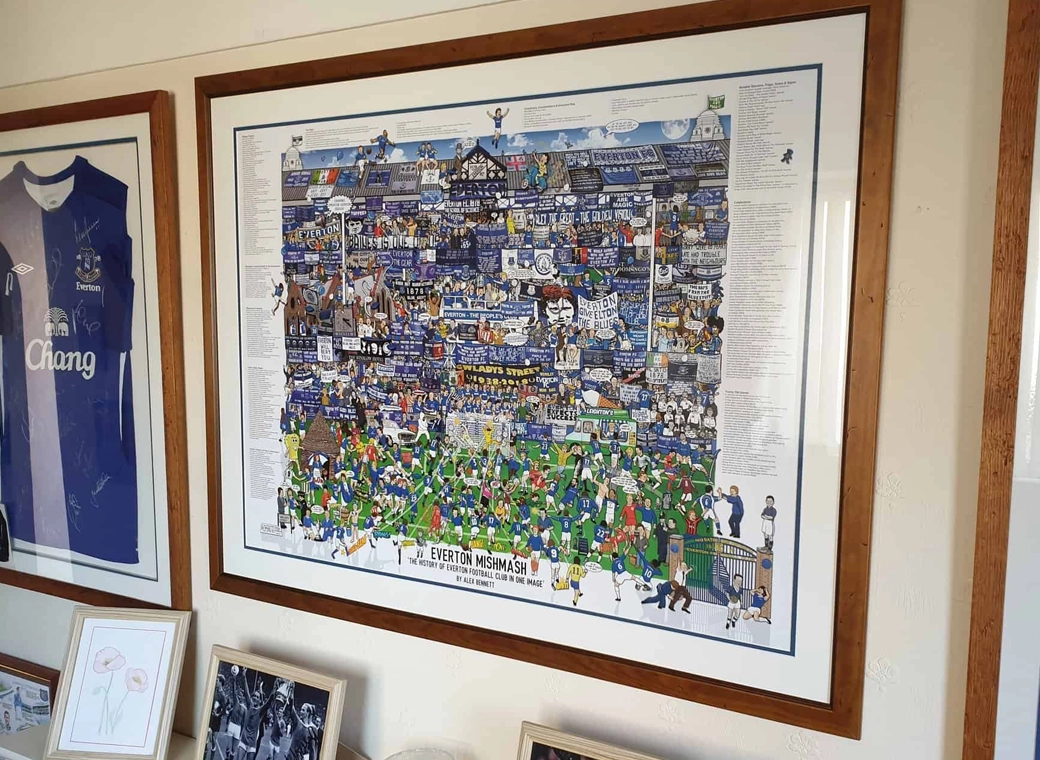
Everton Mishmash
The history of Everton FC in one image! “The best Everton thing I’ve ever got!”
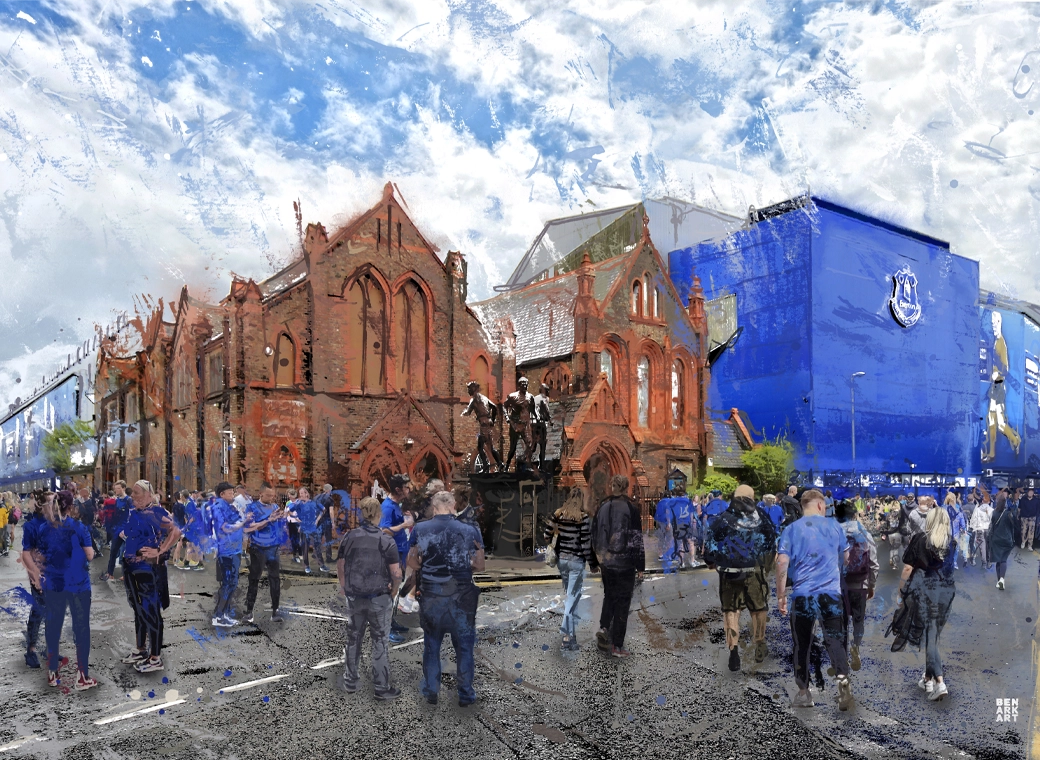
Goodison Park - Blue Skies
A truly, wonderful piece which brings memories of visits to Goodison Park alive.
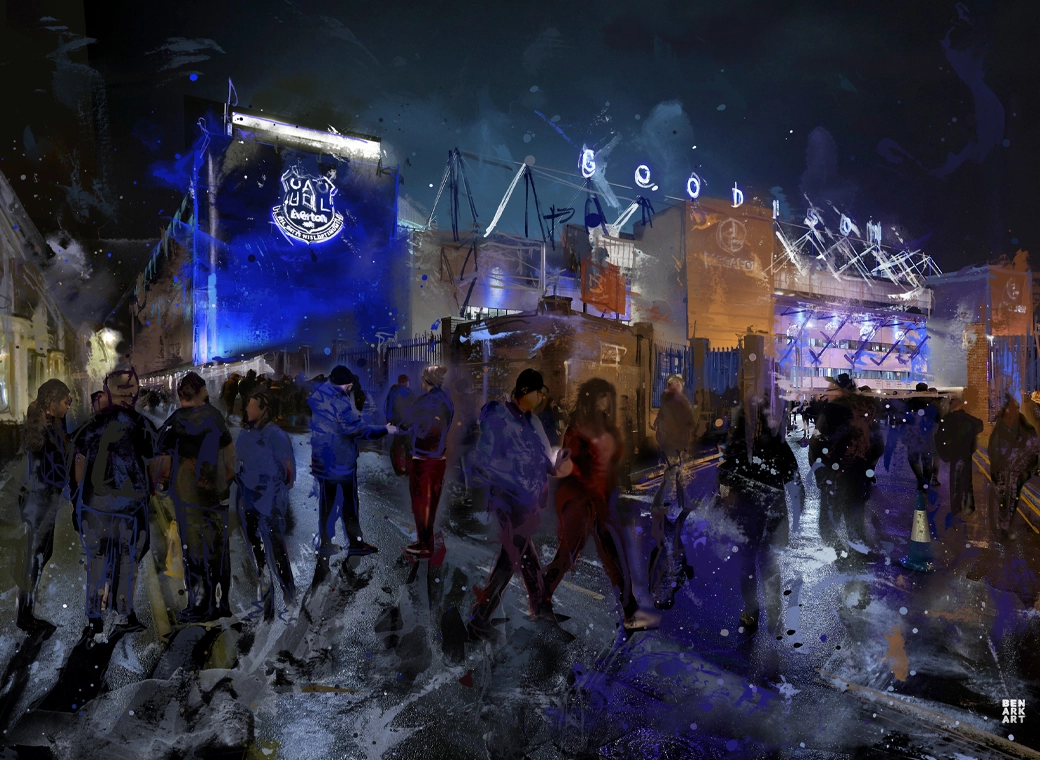
Goodison Park - Under The Lights
This print wonderfully encapsulates the magic of the ‘Goodison Under The Lights’.
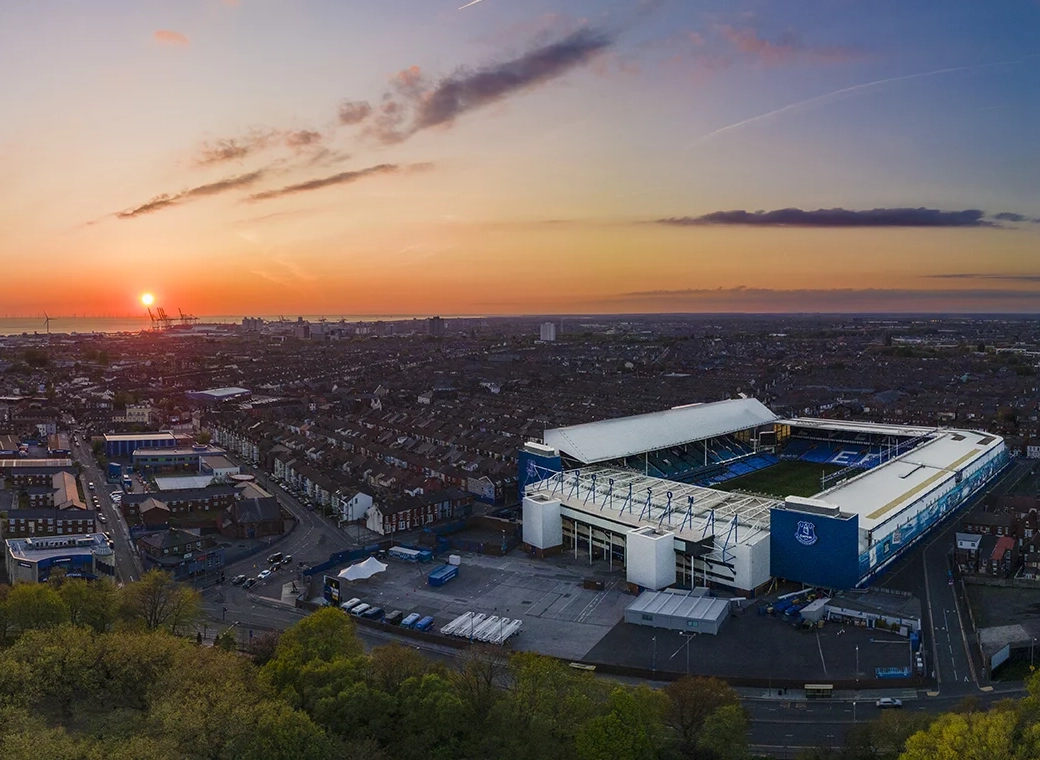
Goodison Park - Sunset
A wonderful, A3 aerial print of Goodison Park.
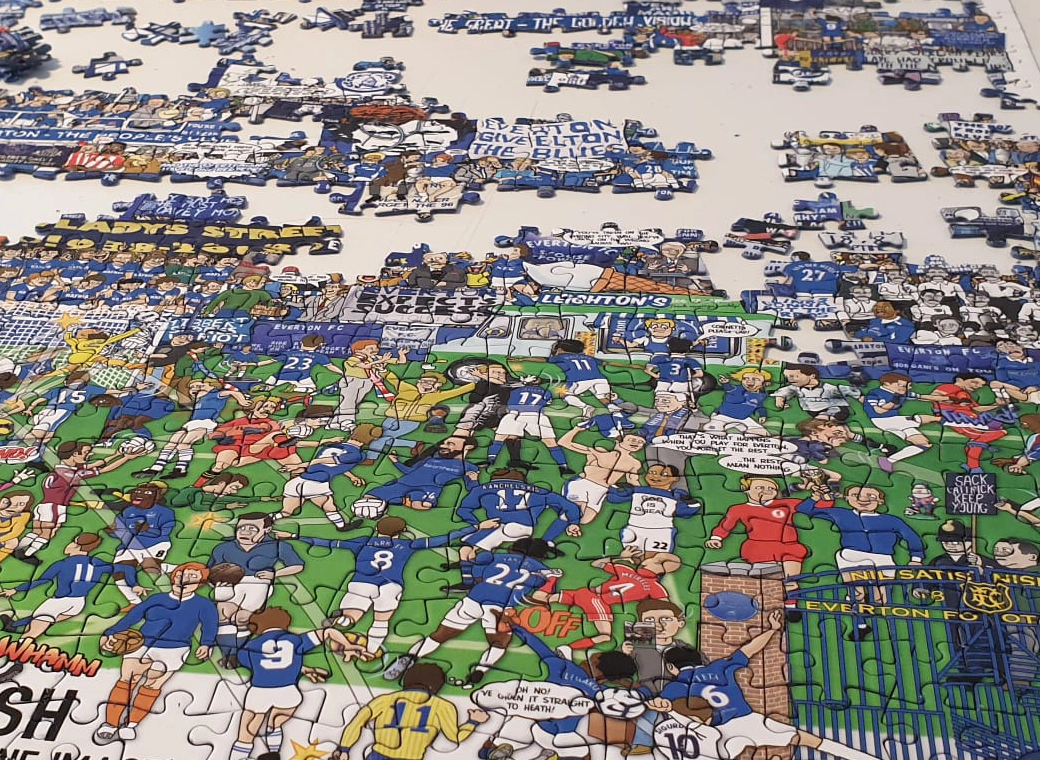
Everton Jigsaw
A special, limited edition 1,000 piece jigsaw of the popular Everton Mishmash – The History Of Everton FC In One Image!
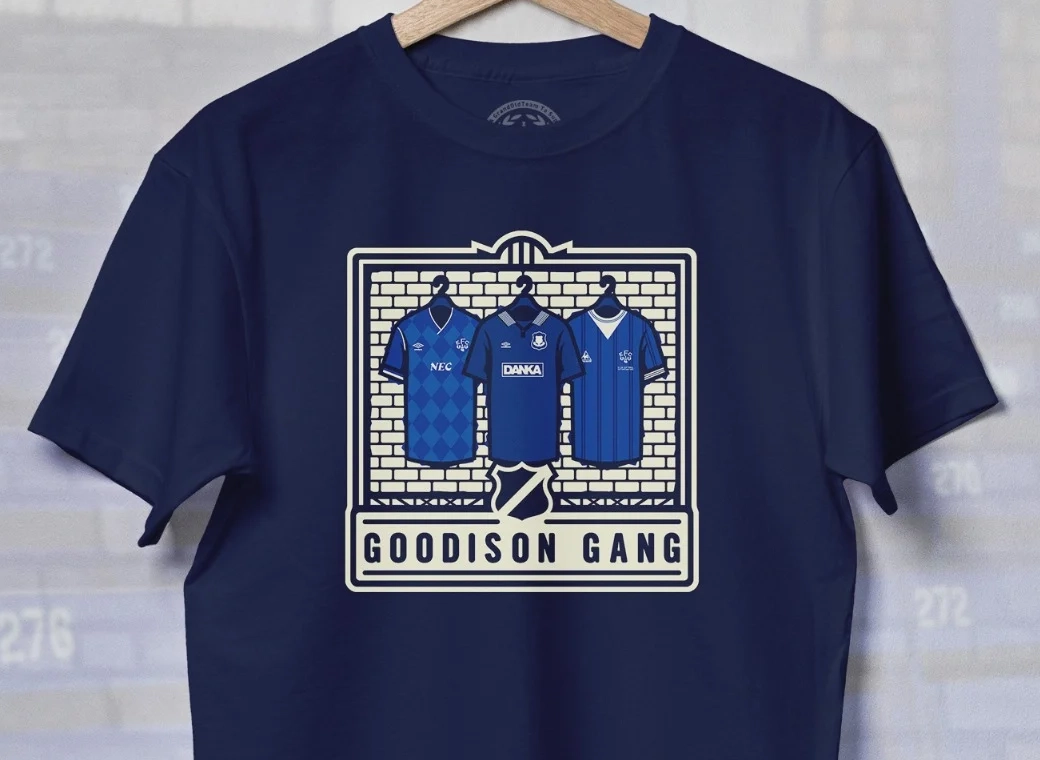
Goodison Gang T-Shirt
Introducing our Goodison Gang Everton T-Shirt.
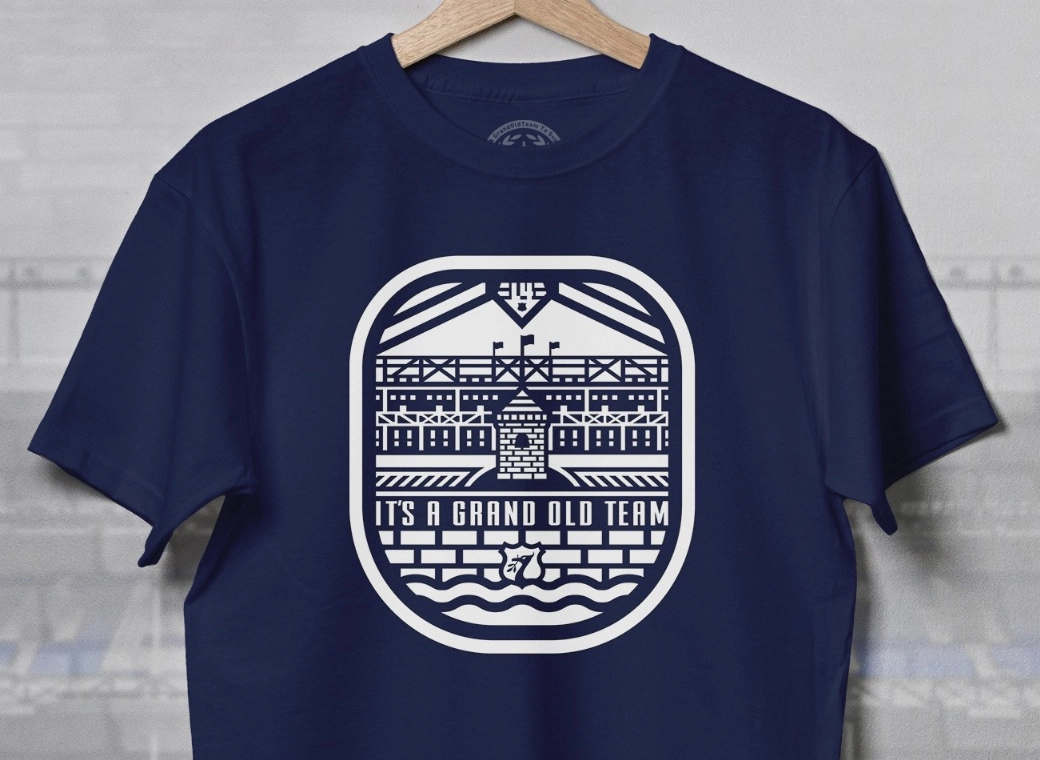
Grand Old Team T-Shirt
Our newest Everton T-Shirt.
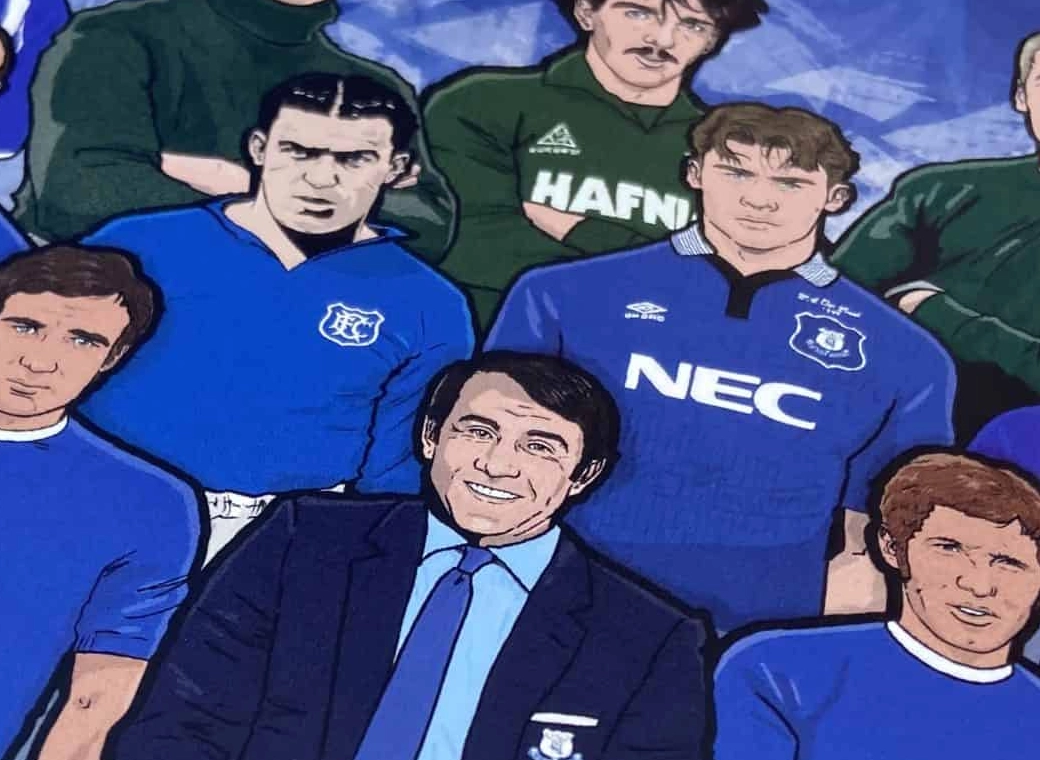
Legends of Goodison Park
Everton champions, legends, and long-time servants assembled together in one squad photo!