

Where’s the ’preview’ button gone @GrandOldTeam and is it with the Arteta money?
This place is going right down the pan.
This place is going right down the pan.

Yeah.
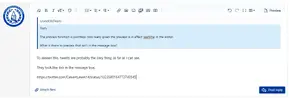
The preview function is pointless now really given the preview is in effect realtime in the editor.
What is there to preview that isn't in the message box?
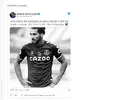
ok can sort a picture now and yes I’d always preview an email before sending , mostly became my spelling is horrendous maybe it’s just me . Thanks @GrandOldTeam for taking time to sort things I feel like a mix of @roydo and @Joey66 here.
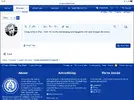
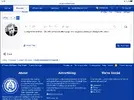
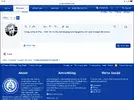
Using safari on iPad . Click the preview button (page and spyglass) and it just changes the colour.View attachment 106861View attachment 106862View attachment 106862View attachment 106862View attachment 106863
The preview in 2.2 works exactly the same as it did in 2.0 - it renders the post as it will appear once submitted.
It just does it in the same editor window rather than a separate panel.

ok can sort a picture now and yes I’d always preview an email before sending , mostly became my spelling is horrendous maybe it’s just me . Thanks @GrandOldTeam for taking time to sort things I feel like a mix of @roydo and @Joey66 here.

Main use of it for me is to check embeds work properly. Twitter, youtube, etc
Kind of weird they've added an unnecessary step; you have to click preview to see if the embed works, and then click it again to go back to the editor if you need to change anything.
The magnifying glass thing lad. Press it then try and type.
It’s going to confuse the drunks and the elderly that.


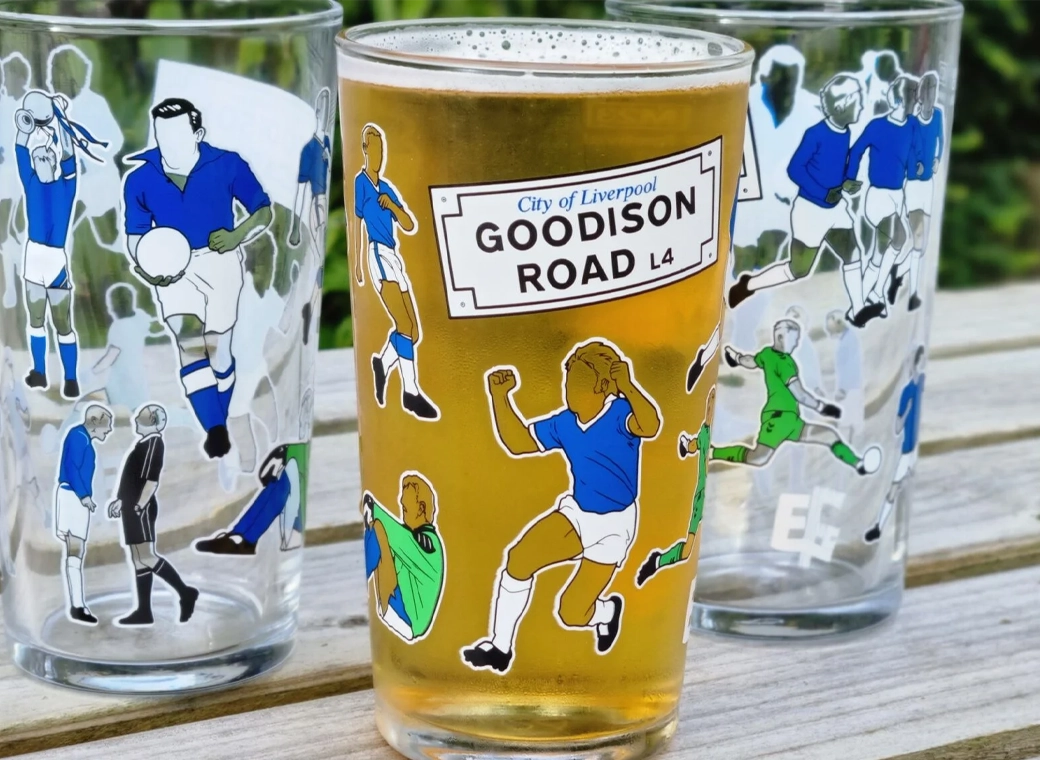
Our exclusive Everton pint glasses are a true collector’s item that pays homage to Goodison Park through iconic players who have graced the pitch over different generations.
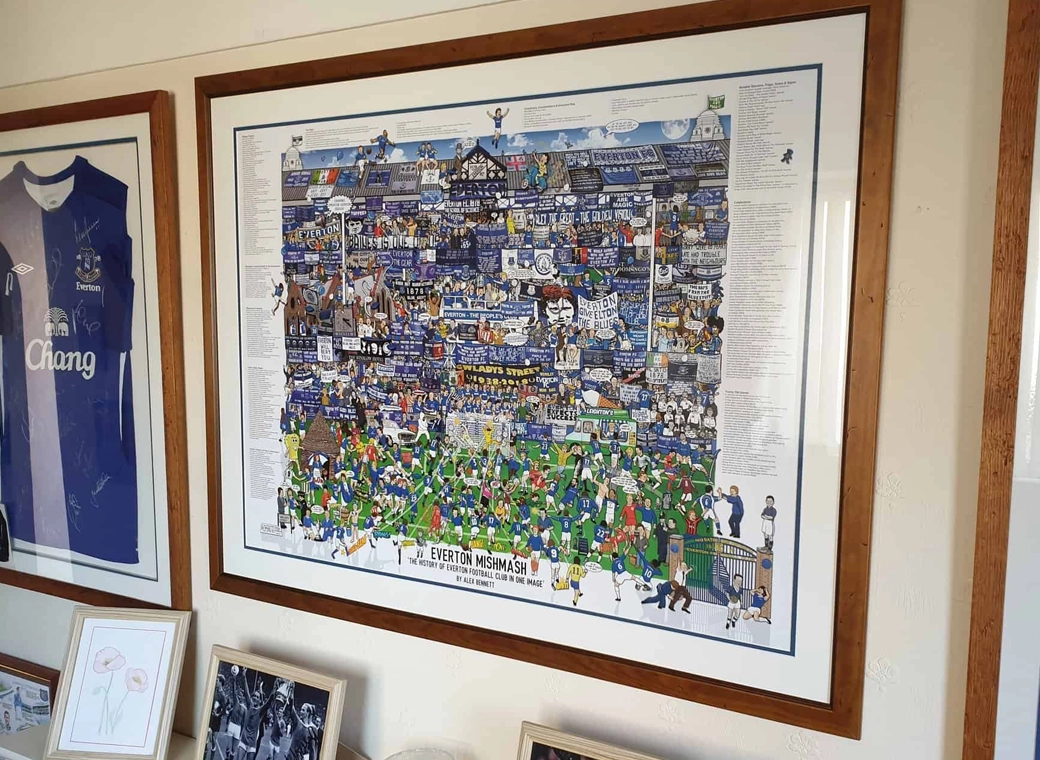
The history of Everton FC in one image! “The best Everton thing I’ve ever got!”
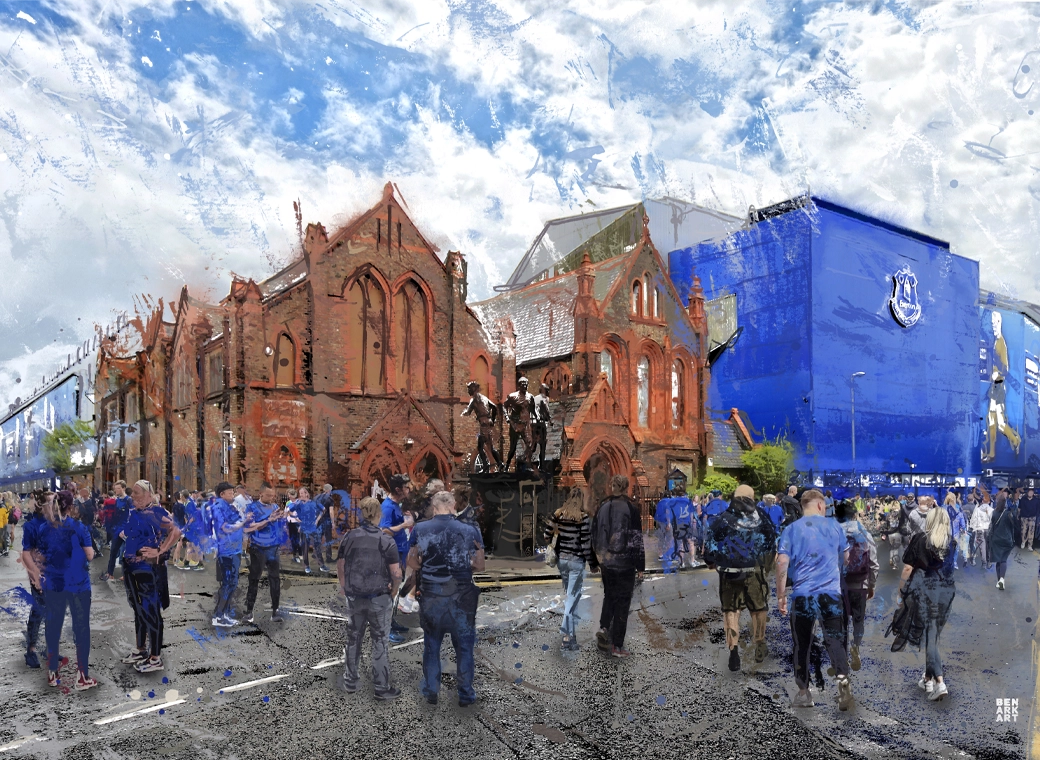
A truly, wonderful piece which brings memories of visits to Goodison Park alive.
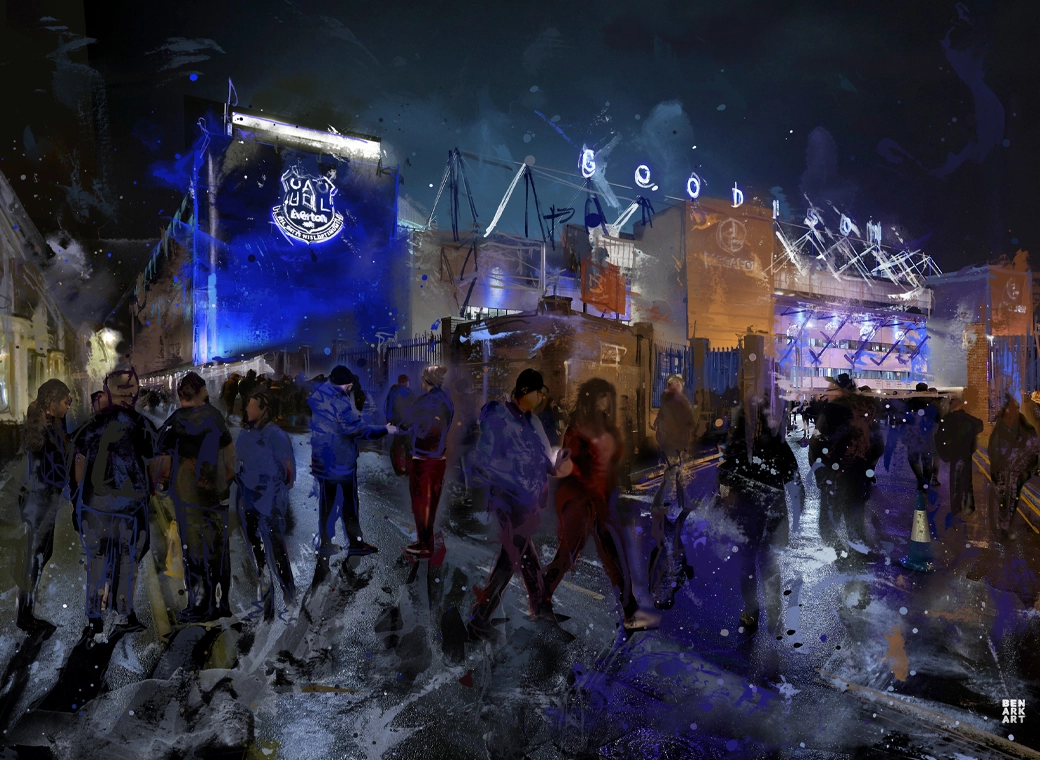
This print wonderfully encapsulates the magic of the ‘Goodison Under The Lights’.
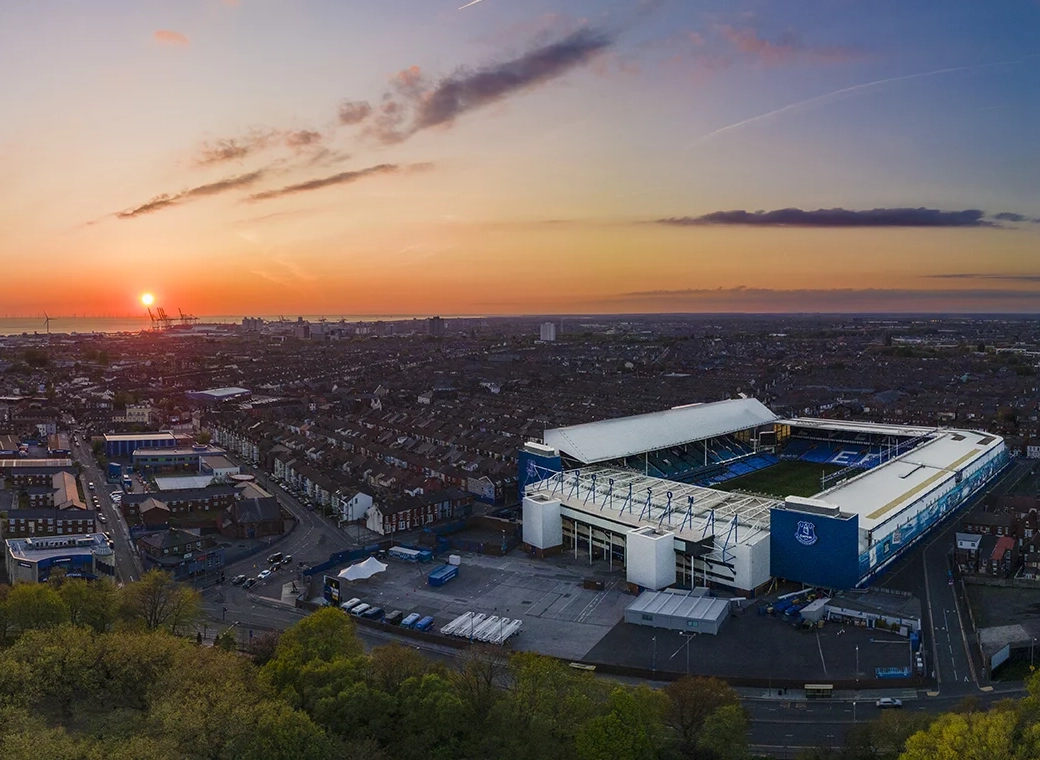
A wonderful, A3 aerial print of Goodison Park.
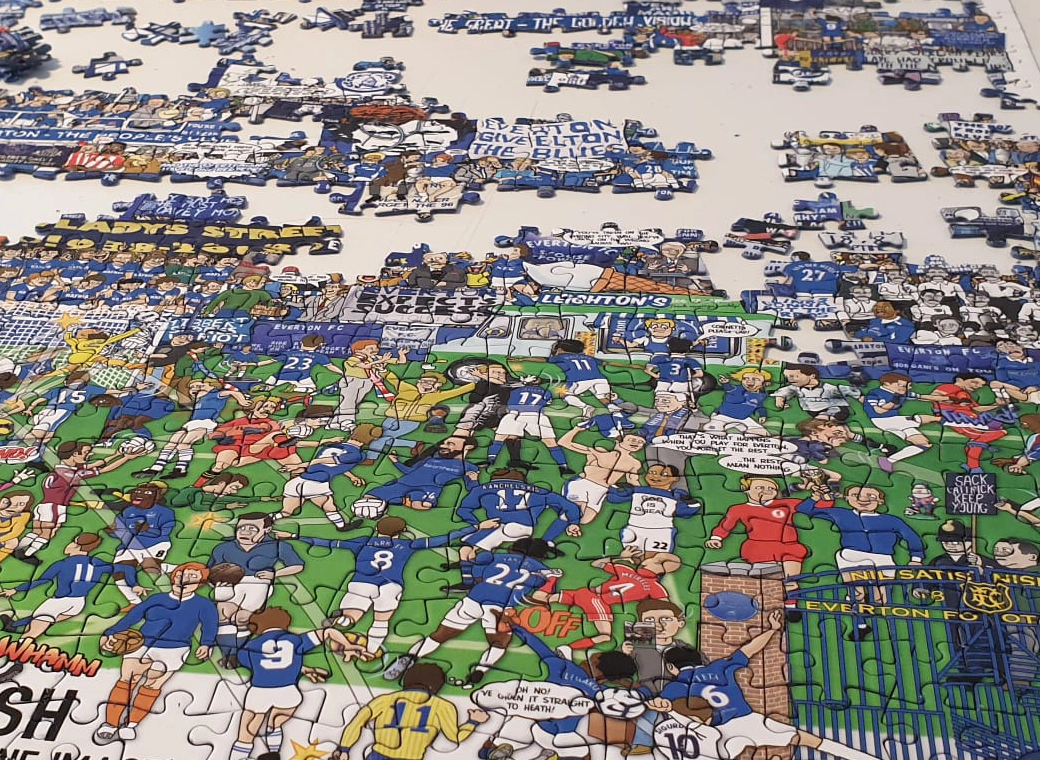
A special, limited edition 1,000 piece jigsaw of the popular Everton Mishmash – The History Of Everton FC In One Image!
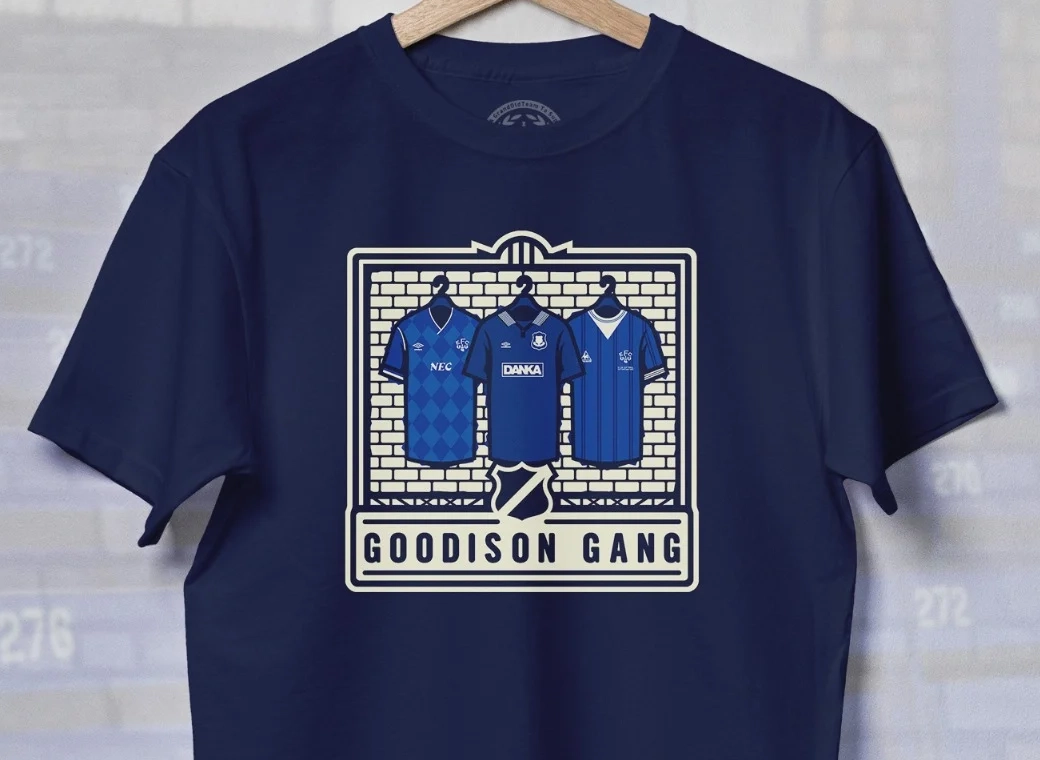
Introducing our Goodison Gang Everton T-Shirt.
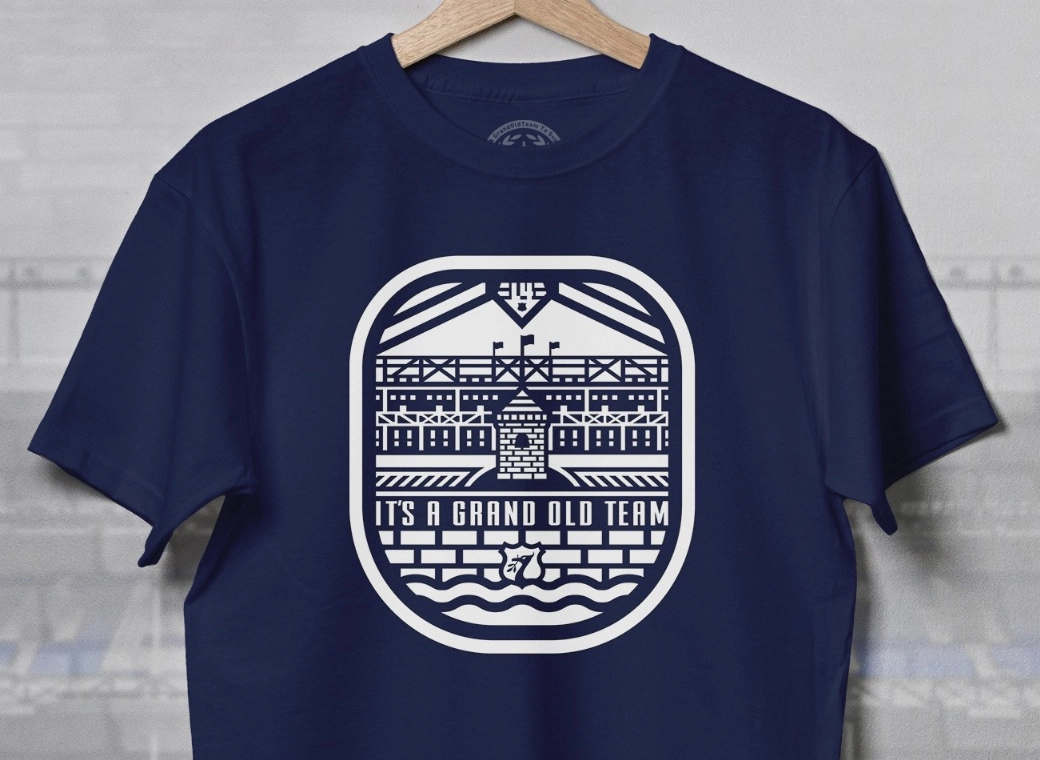
Our newest Everton T-Shirt.
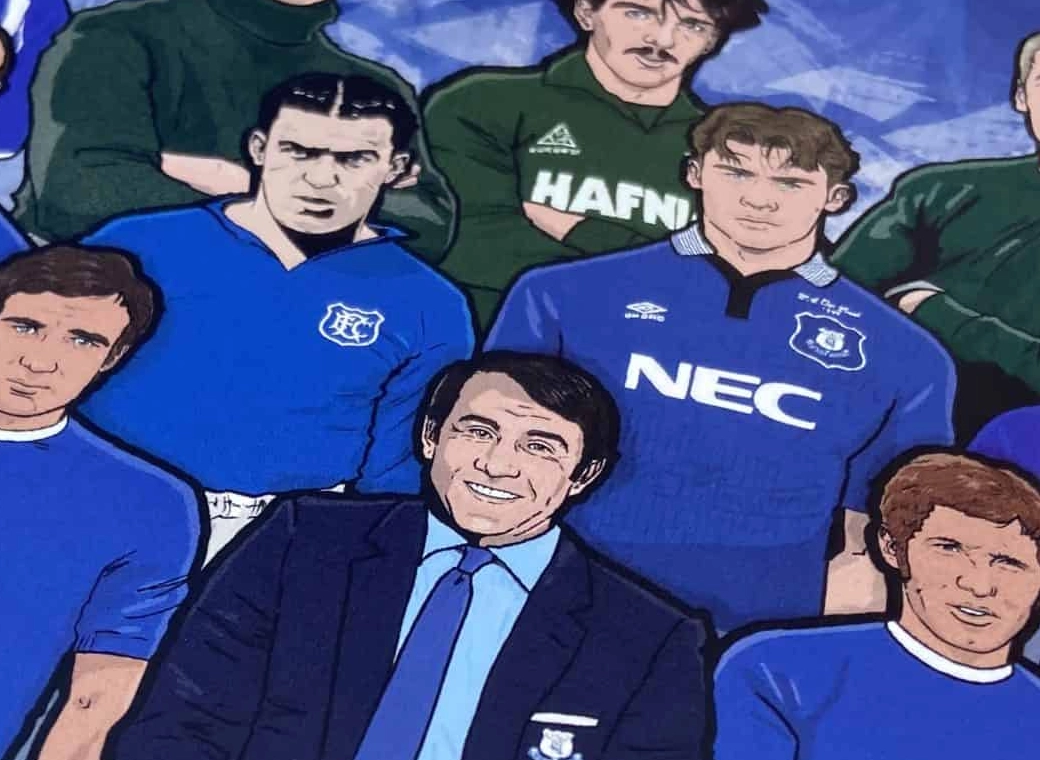
Everton champions, legends, and long-time servants assembled together in one squad photo!
