
The cookie choice tool keeps coming up, even though I've made my preferences.

It has , or seems to of have .
If others are struggling this seems to have sorted the problem out . I’ve gone to safari advanced , cleared it and Problem seems to have righted itself
I would normally have just probably dealt with it myself but when I saw it was an issue here I assumed it was a wider problem . As you say odd , seems fine now .Glad to hear it.
Generally, these issues are device specific and I suspect in your case the VPN causes some angst.
Weird for a few others to be reporting the same issue at the same time though...

It has , or seems to of have .
If others are struggling this seems to have sorted the problem out . I’ve gone to safari advanced , cleared it and Problem seems to have righted itself


Been having this problem all weekend. Using Chrome, I get the cookie popup on every page, even after choosing my preferences. When I go to login I get a popup saying I can't login because I need to accept cookies. I'm using standard Google Chrome, no extensions or adblockers, nothing that should be blocking cookies.
Tried in a different browser (Edge) and it works fine there. I don't even get the cookie popup in this browser.

That's strange mate - I use Chrome/most of our traffic do.
As it works on another browser, generally that means it's something specific with the device/browser and often, a cache clear does the job - unless there's something like ublock origin/Ghostery add on within your Chrome add ons. I know you say there isn't any adblock, but it can be anything that blocks scripts/VPNs etc - some can stop your browser from saving your choice.
Website Errors / Error Code 520
Hi everyone, If anyone receives an error like the below when browsing GOT, if you could kindly grab a screenshot and/or reply in this thread. Thankswww.grandoldteam.com
So it wasn't only me then! "yay" lol
Mine was literally, as @andy5000 said,Different error that. Its not to do with cookie/preferences.
On Chromium (not Google Chrome itself - Opera GX) too:Been having this problem all weekend. Using Chrome, I get the cookie popup on every page, even after choosing my preferences. When I go to login I get a popup saying I can't login because I need to accept cookies. I'm using standard Google Chrome, no extensions or adblockers, nothing that should be blocking cookies.
Mine was literally, as @andy5000 said,
On Chromium (not Google Chrome itself - Opera GX) too:

When trying to log in.
Can test later tonight again
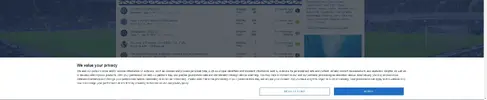
It doesn't always Dan, you just don't believe me, ffs.I assumed he was on about this;
View attachment 205560
If it's the "Oops! We ran into some problems" then a cache clear will fix it.
It doesn't always Dan, you just don't believe me, ffs.
After the mug fiasco I can't trust you on this either.I do mate, but I think the two issues are slightly separate.
www. should be forced now anyway so hopefully you won't be able to see non www URLs. (If chrome, they drop the www element of URL in the address bar but if click it should show)

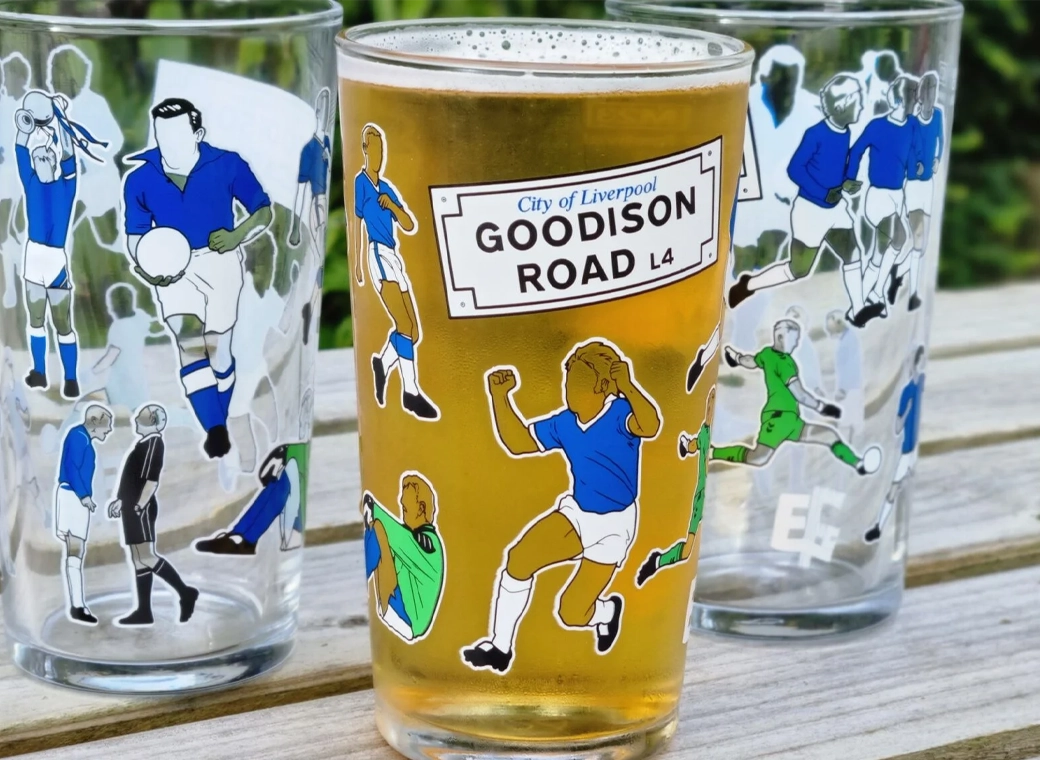
Our exclusive Everton pint glasses are a true collector’s item that pays homage to Goodison Park through iconic players who have graced the pitch over different generations.
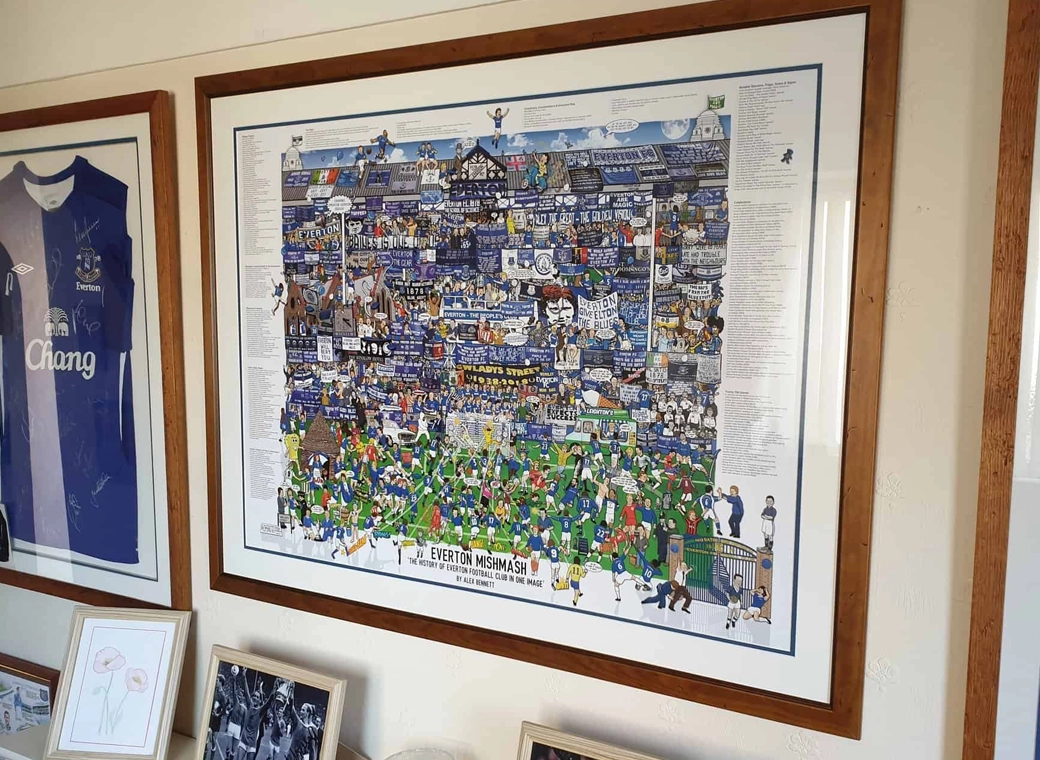
The history of Everton FC in one image! “The best Everton thing I’ve ever got!”
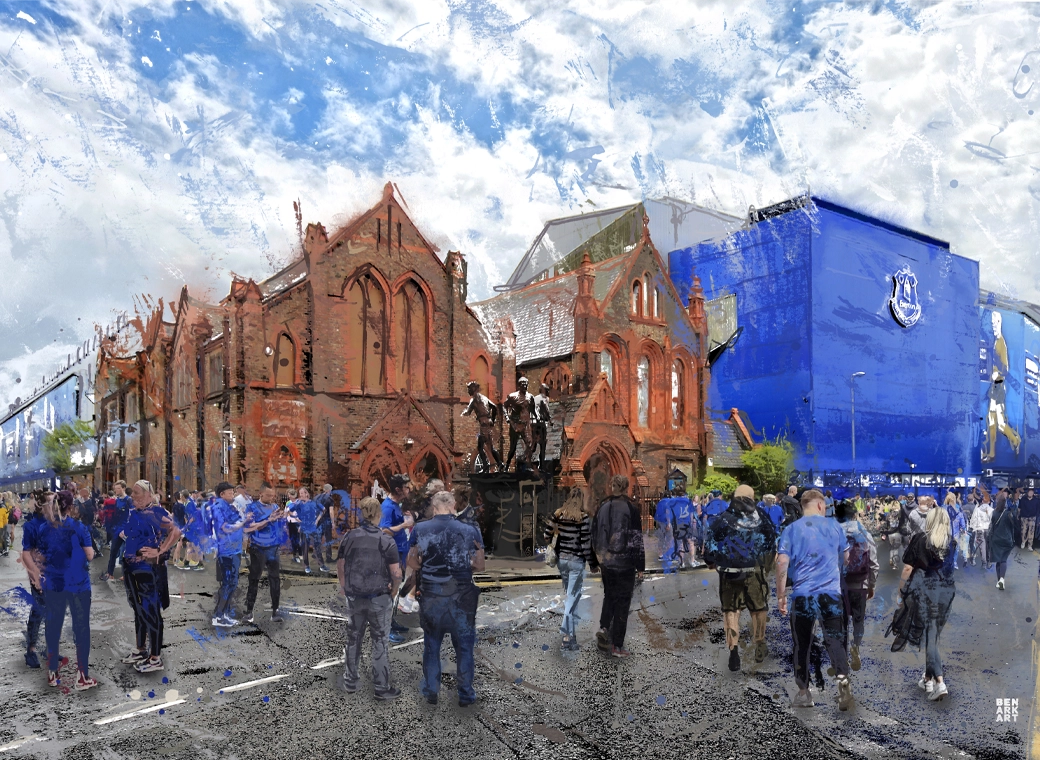
A truly, wonderful piece which brings memories of visits to Goodison Park alive.
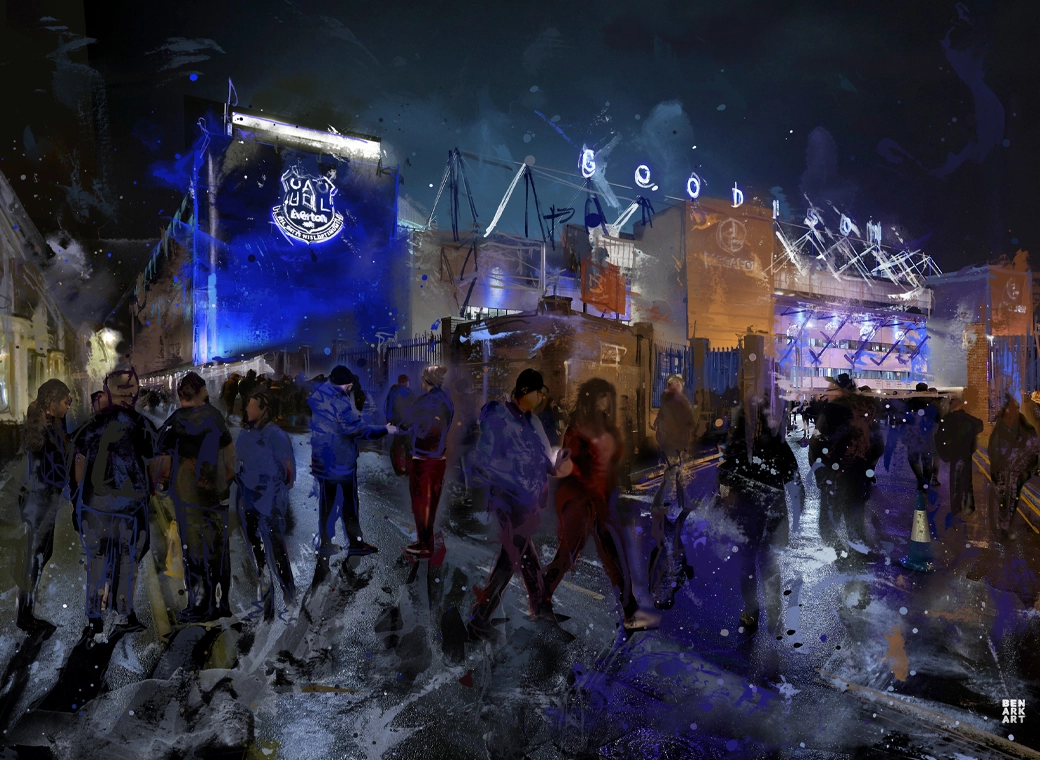
This print wonderfully encapsulates the magic of the ‘Goodison Under The Lights’.
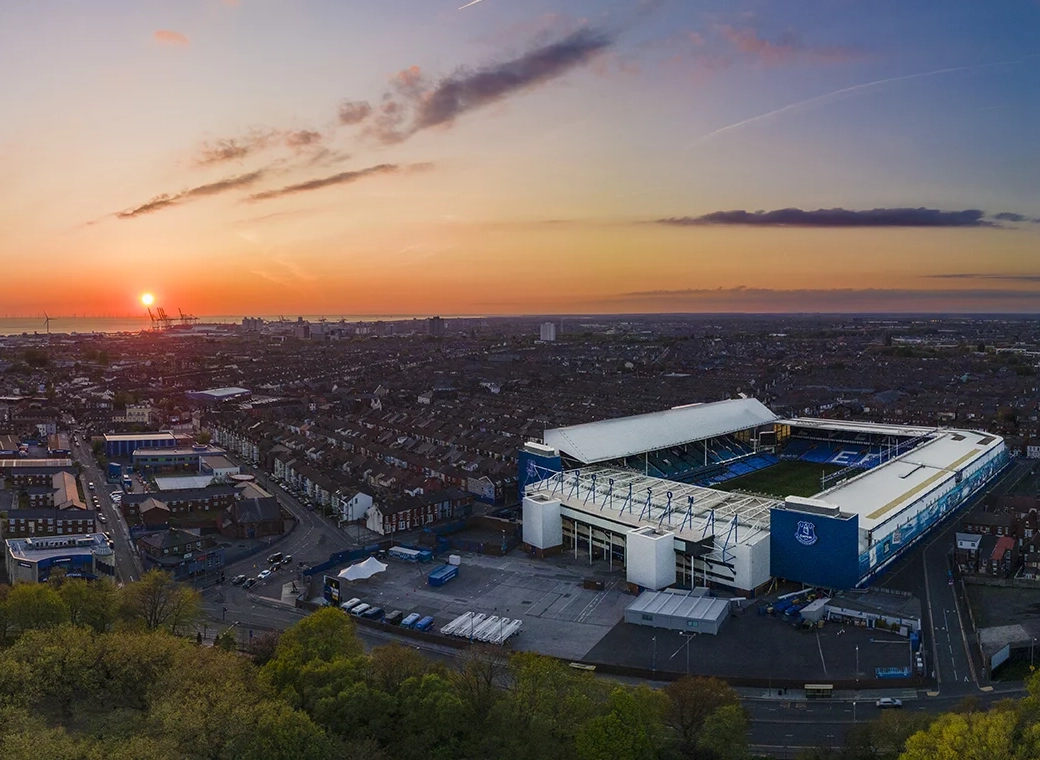
A wonderful, A3 aerial print of Goodison Park.
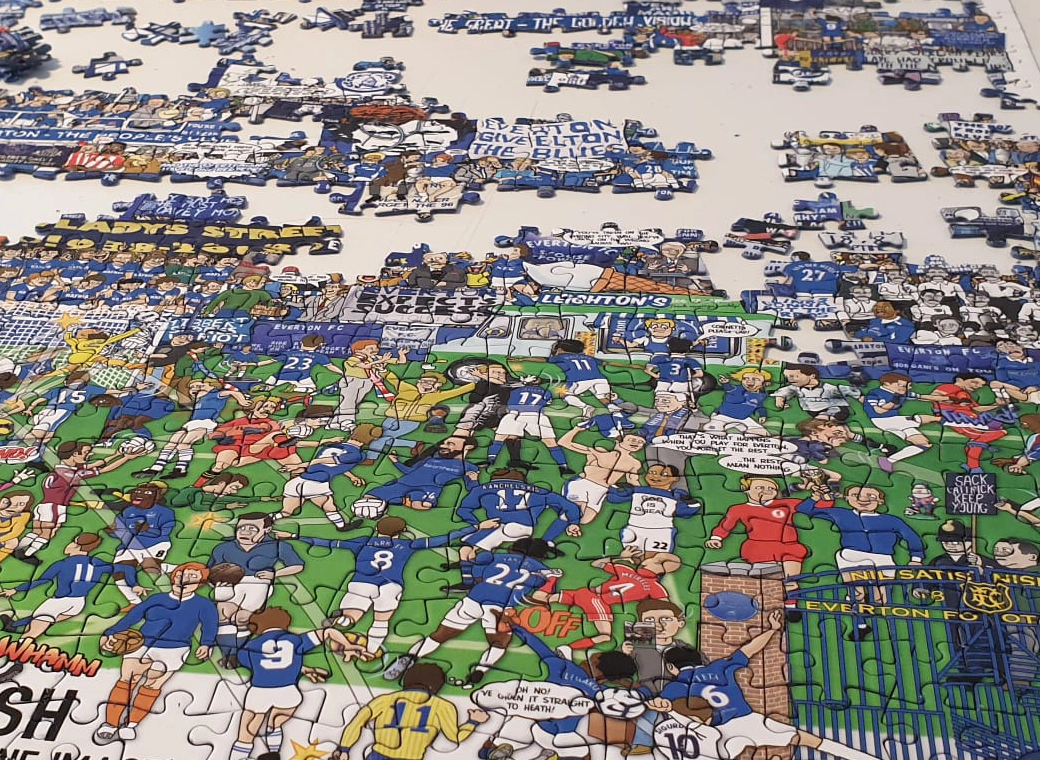
A special, limited edition 1,000 piece jigsaw of the popular Everton Mishmash – The History Of Everton FC In One Image!
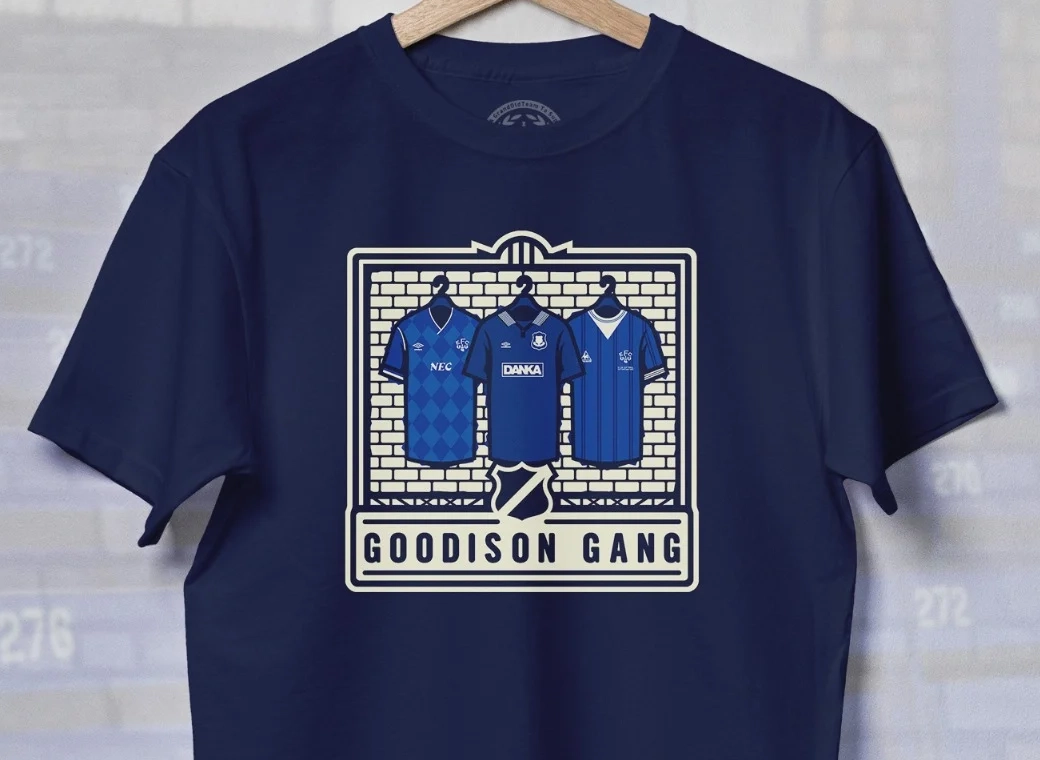
Introducing our Goodison Gang Everton T-Shirt.
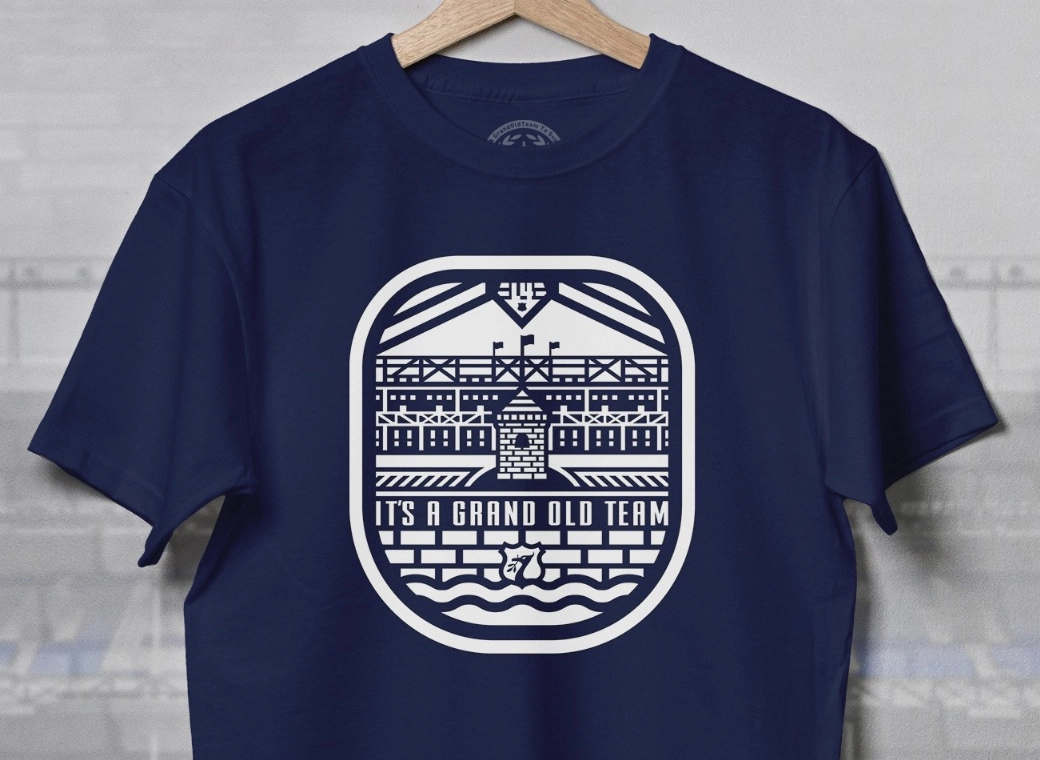
Our newest Everton T-Shirt.
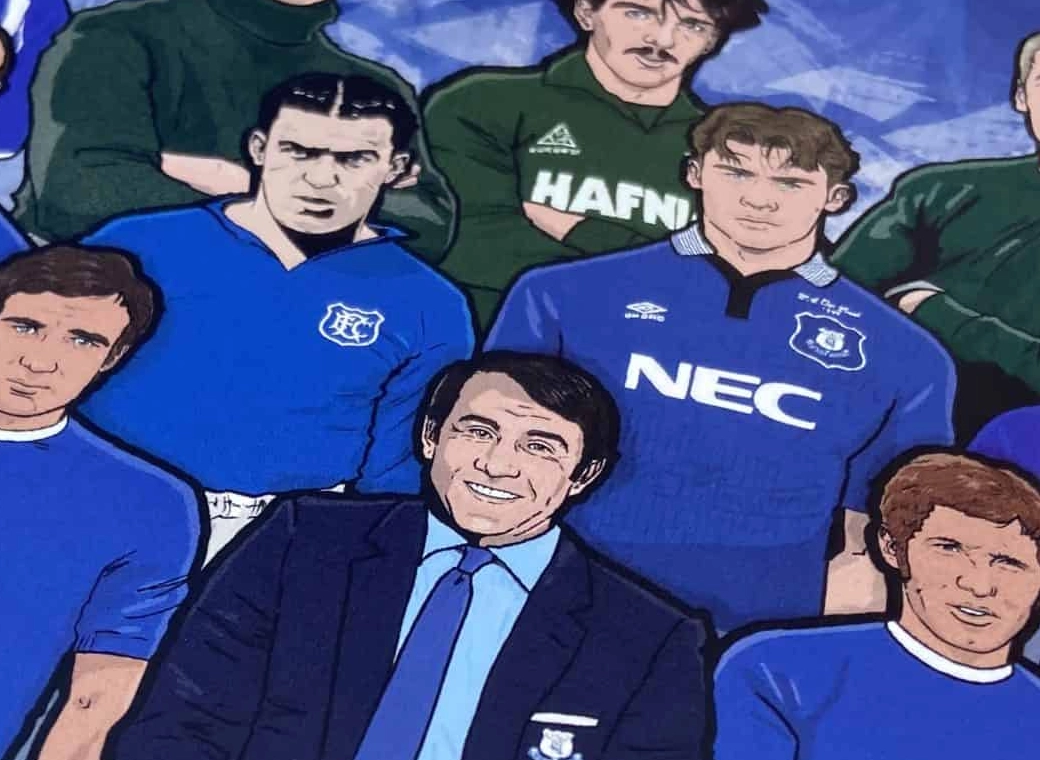
Everton champions, legends, and long-time servants assembled together in one squad photo!